Does it come with games?+
No. This is only a launcher: it organises files you already have on your device and hands them to the emulator you picked. It never downloads game files.
Do I have to add my systems one by one?+
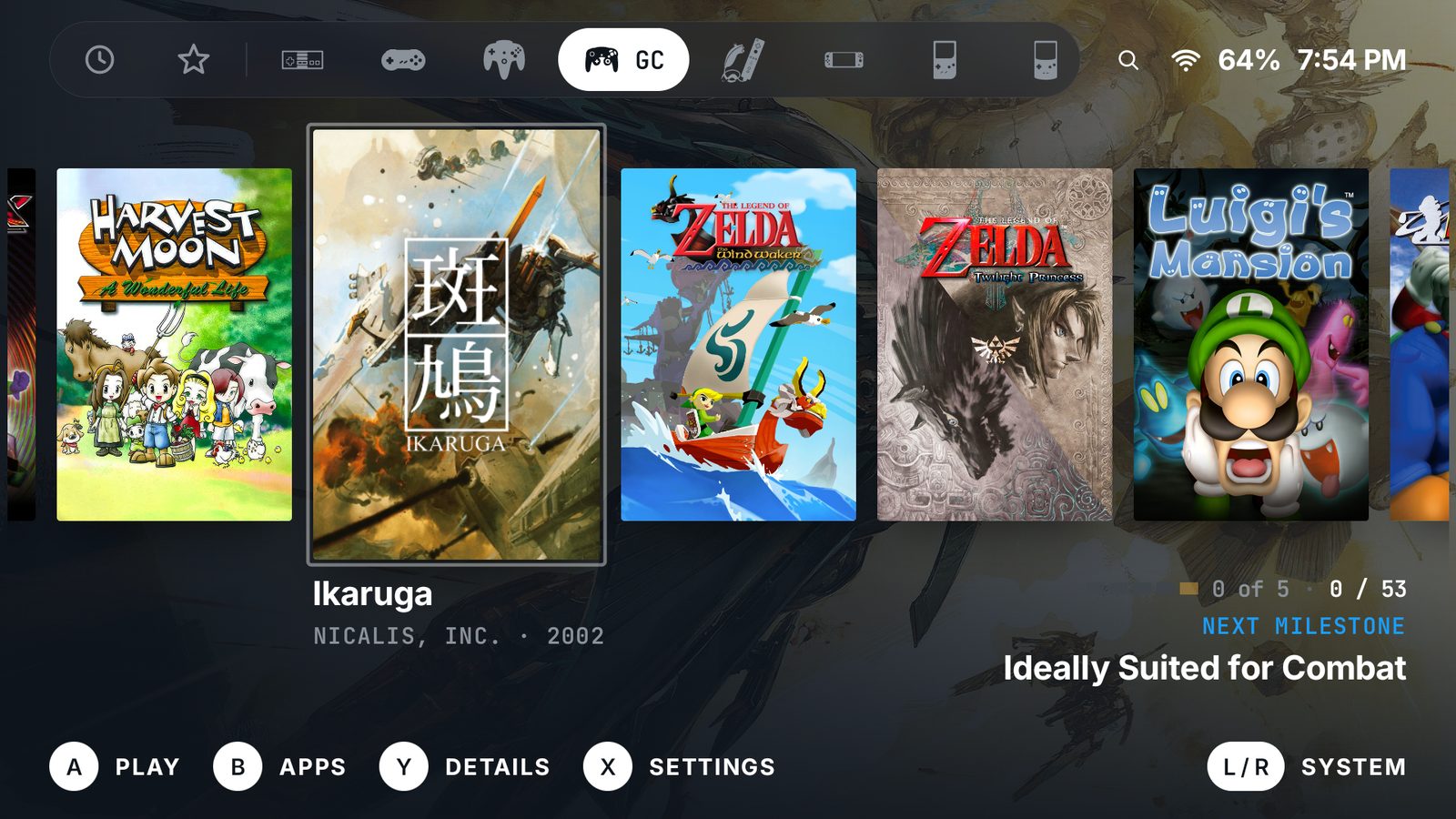
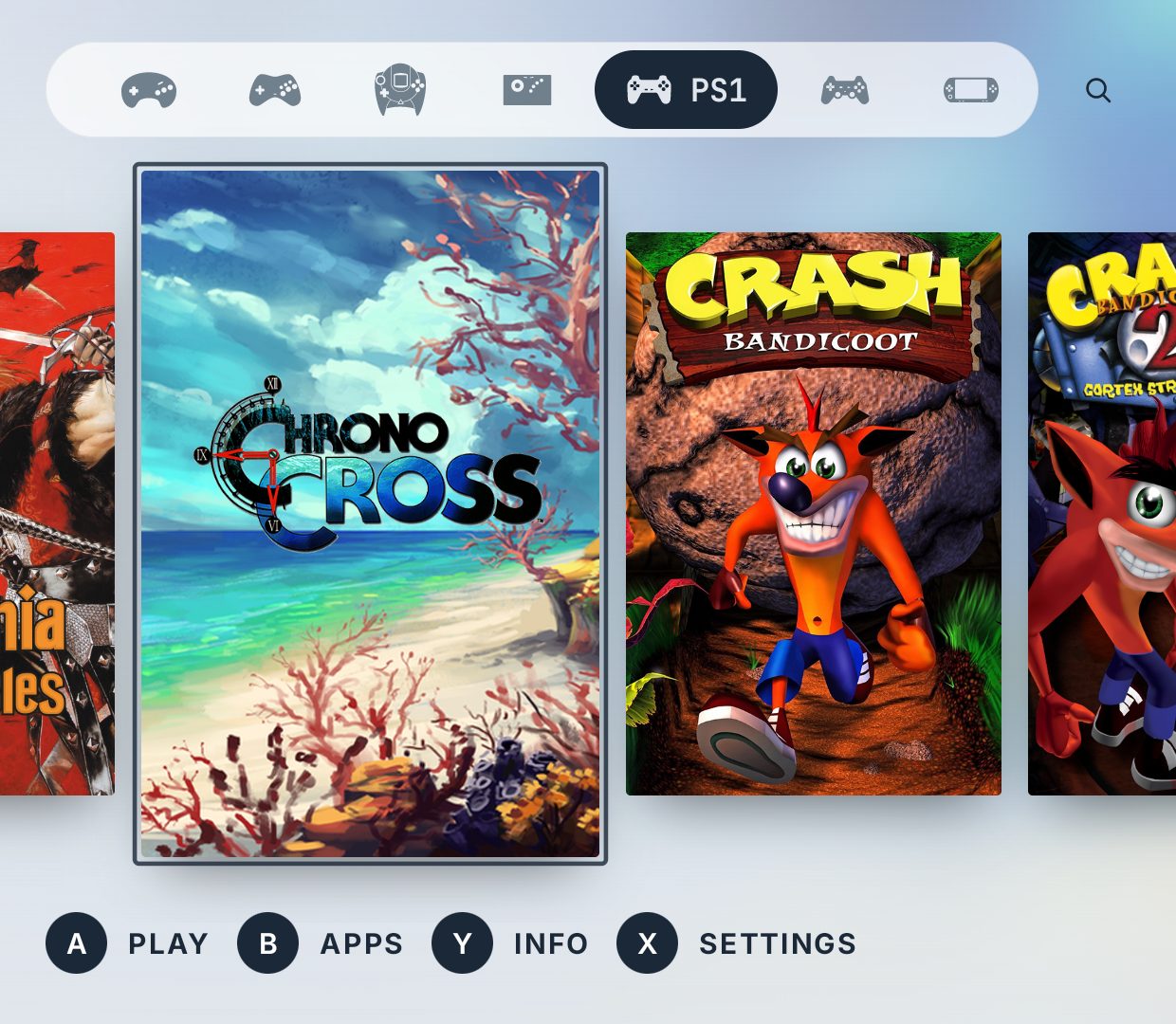
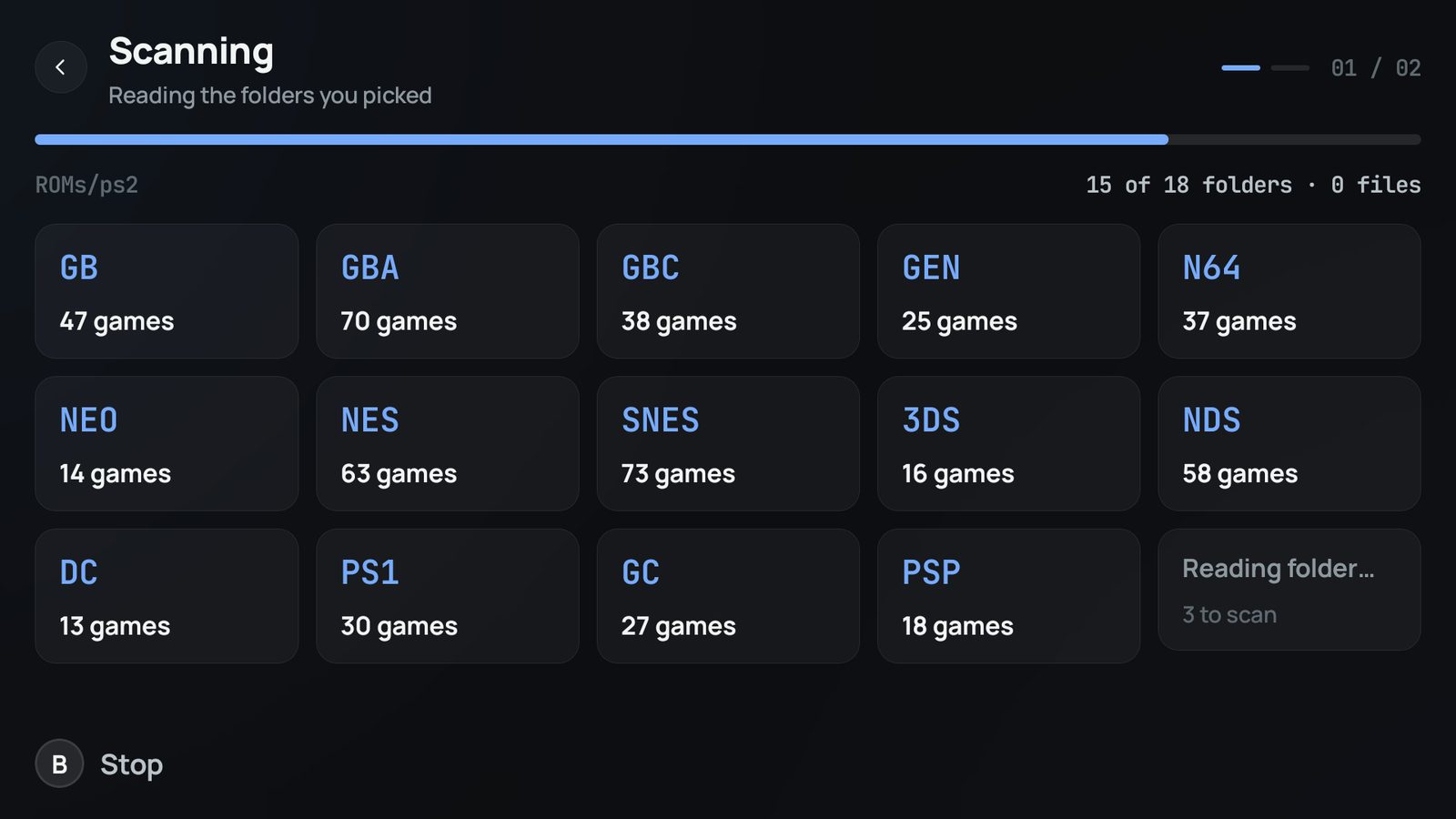
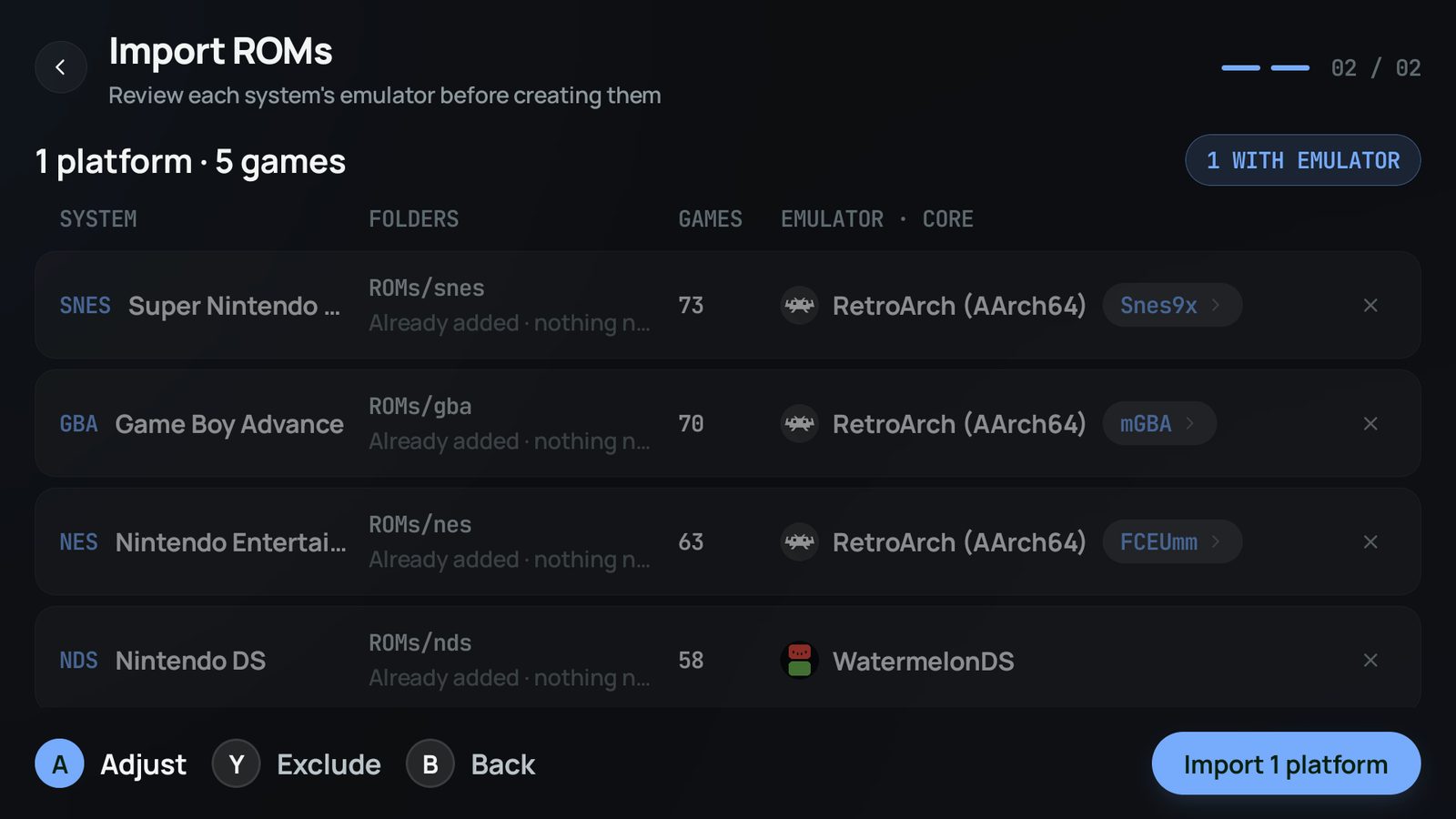
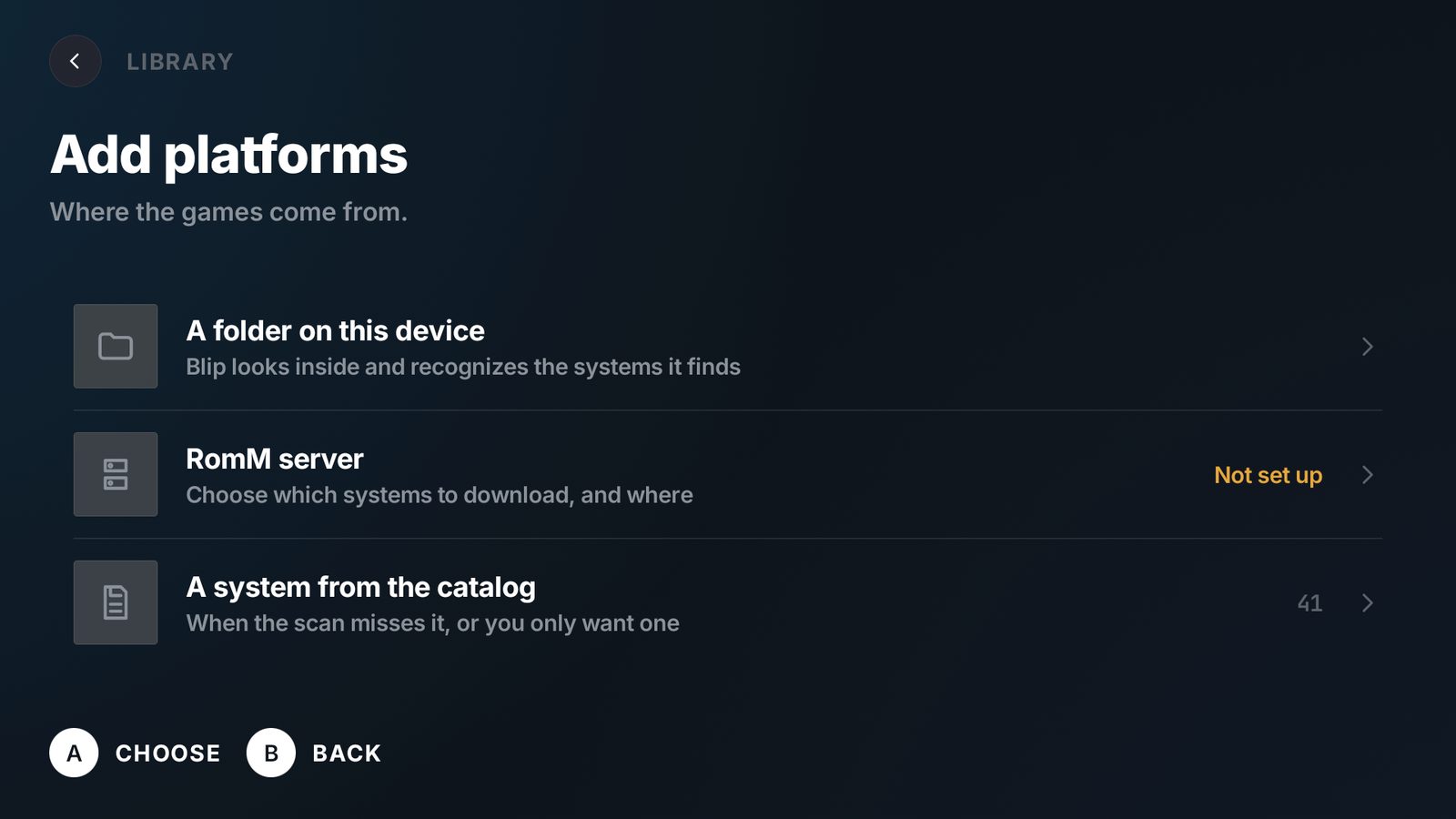
No. Point Blip at the folder your ROMs already live in and one scan finds every system inside it, counts the games and suggests an emulator and core for each. You review the table, exclude anything you do not want and import the lot in one pass. Adding a single system by hand is still there for when you want it.
Which emulators does it work with?+
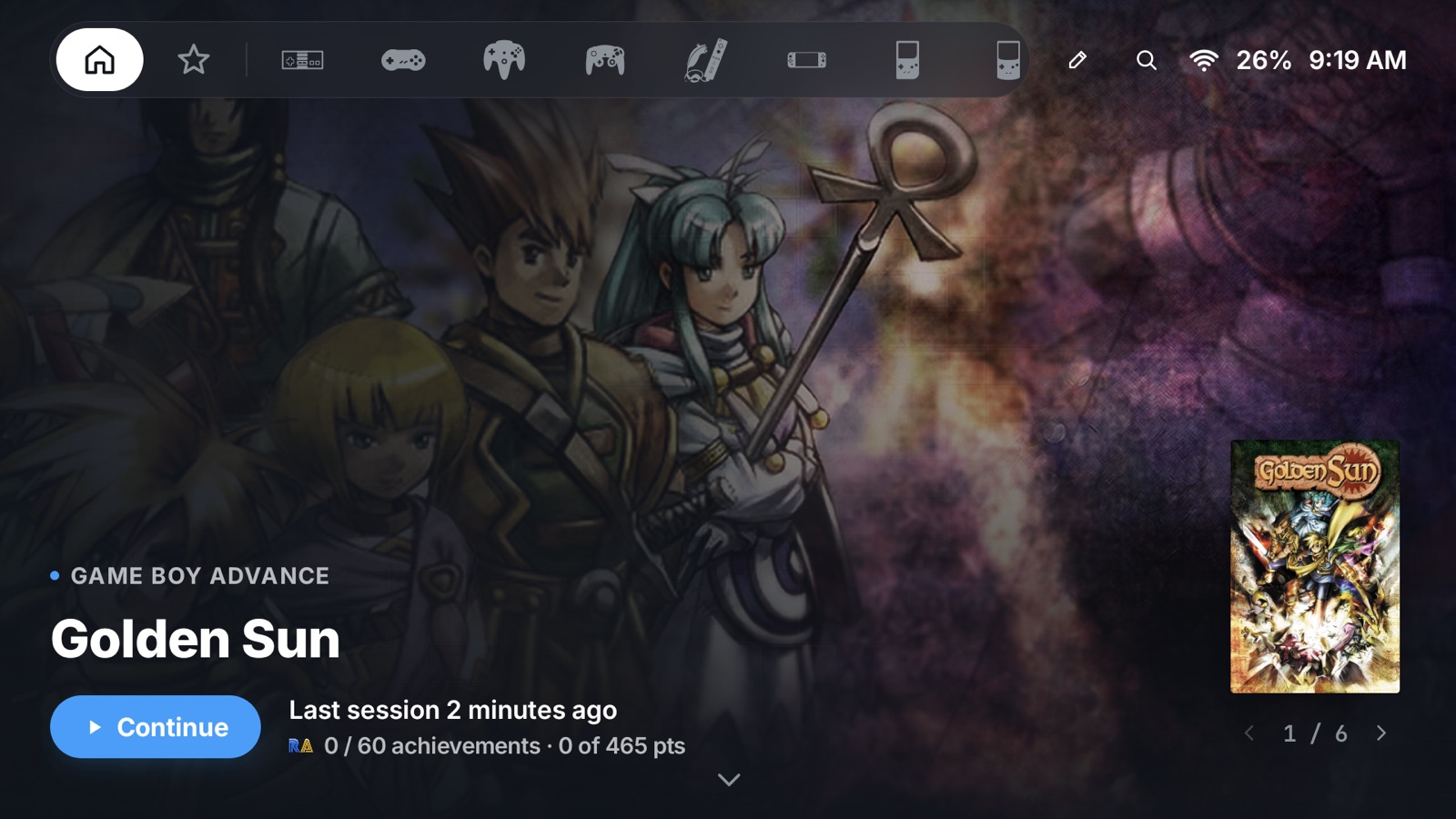
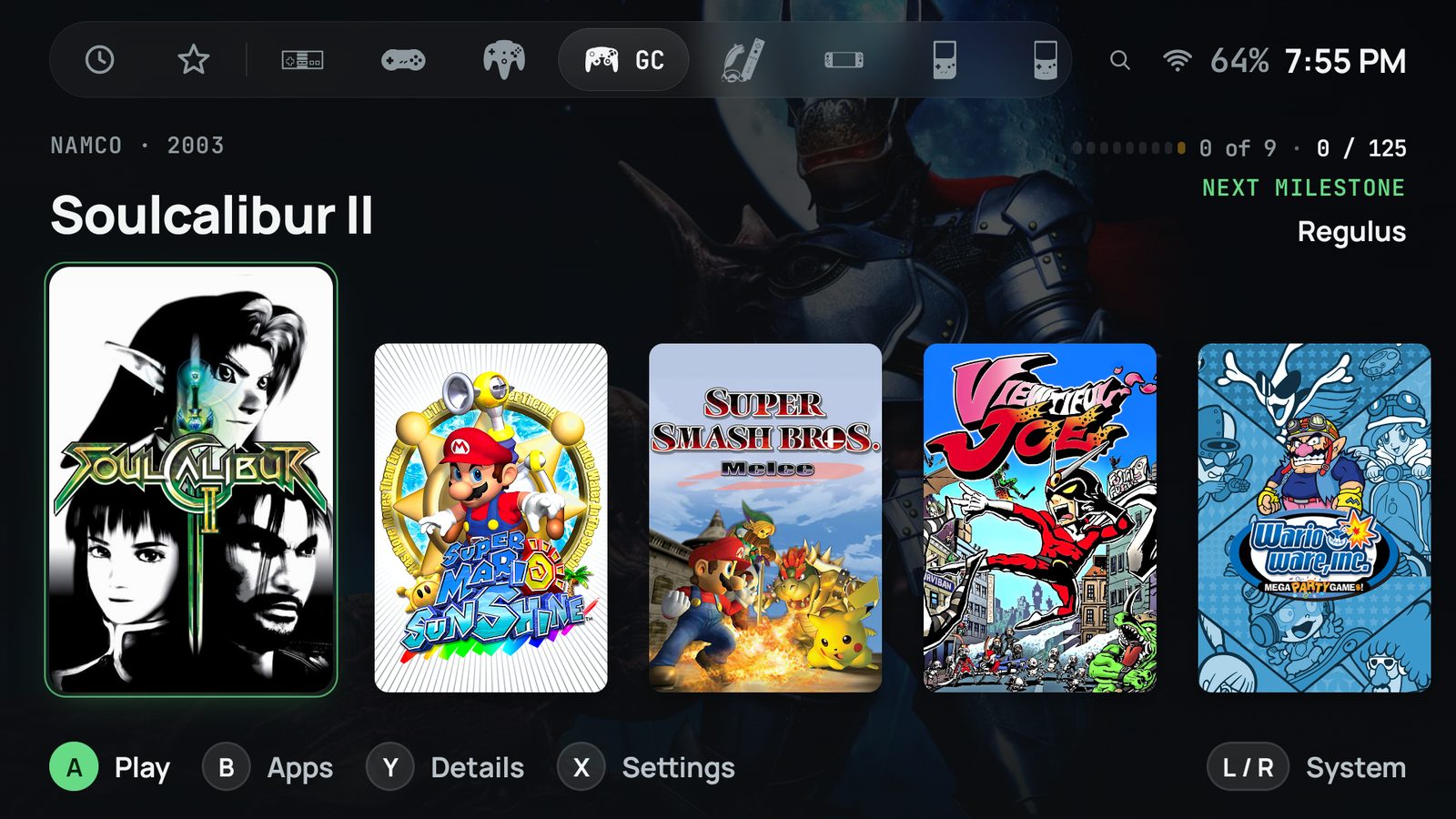
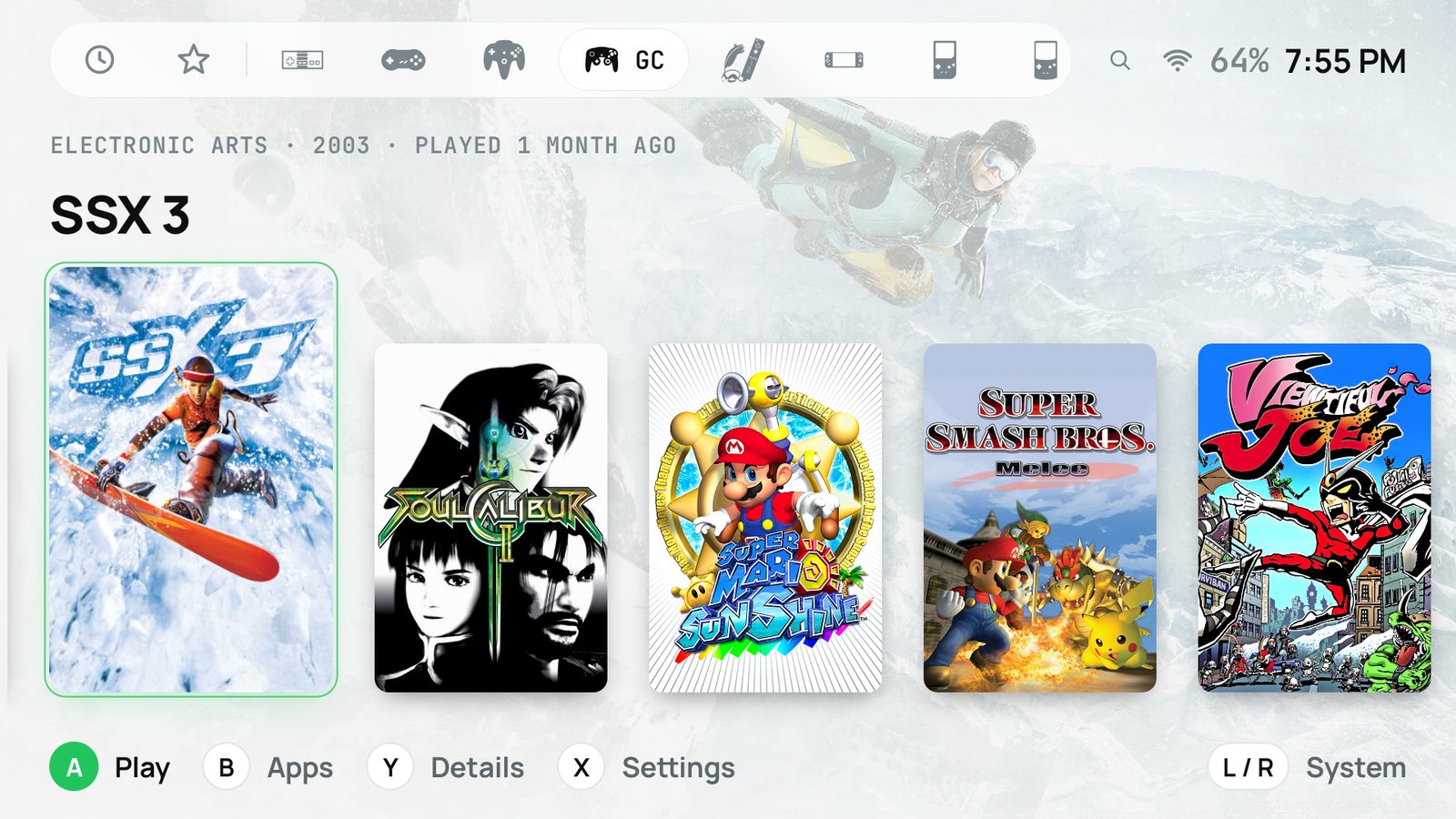
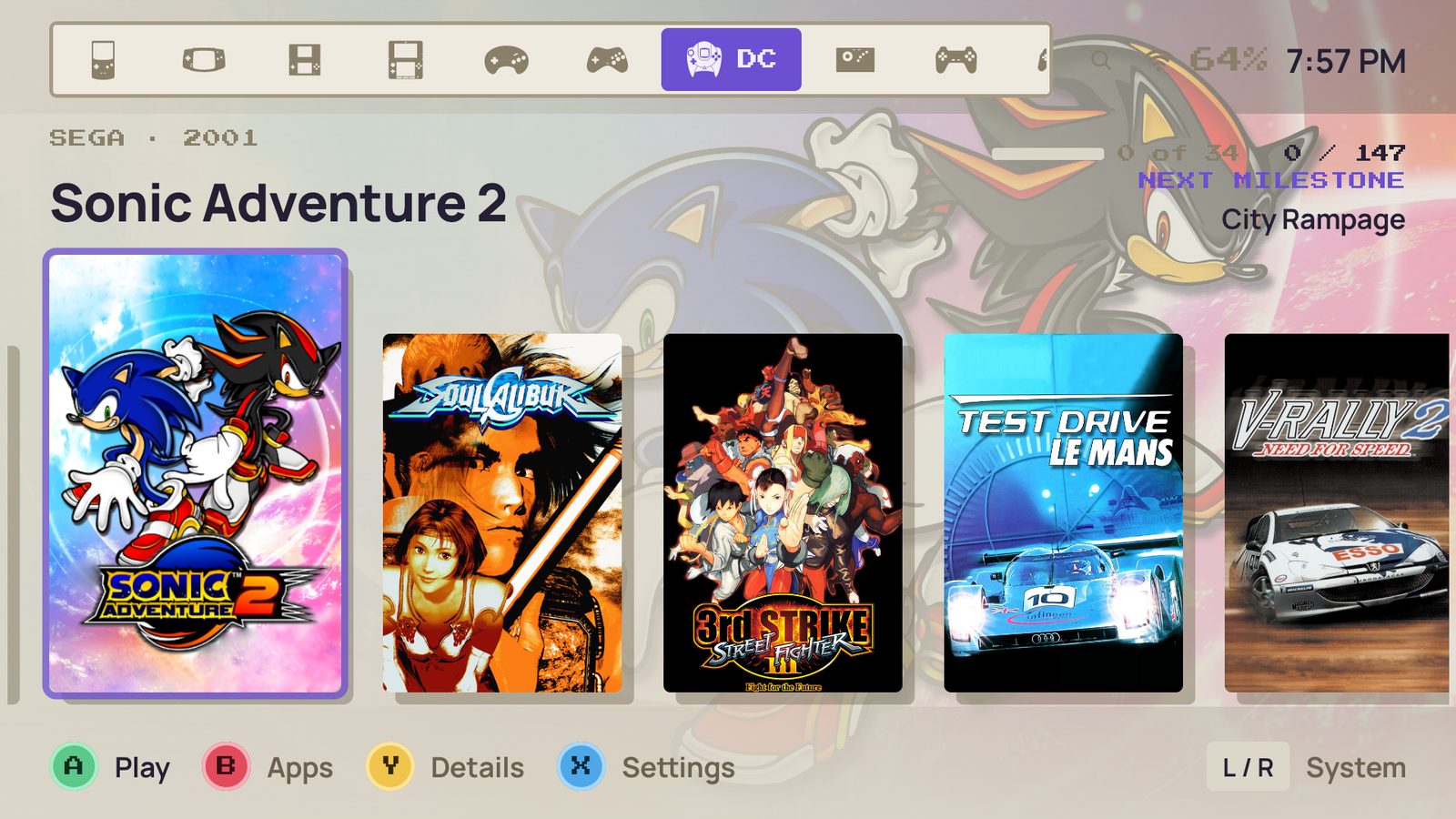
Any Android app that can open a file it is handed. The bundled catalog already knows 54 systems and the apps and cores that play them, so the suggestion is usually right; you choose the app per platform, so a system can use one emulator today and a different one tomorrow without touching your library.
Where does the box art come from?+
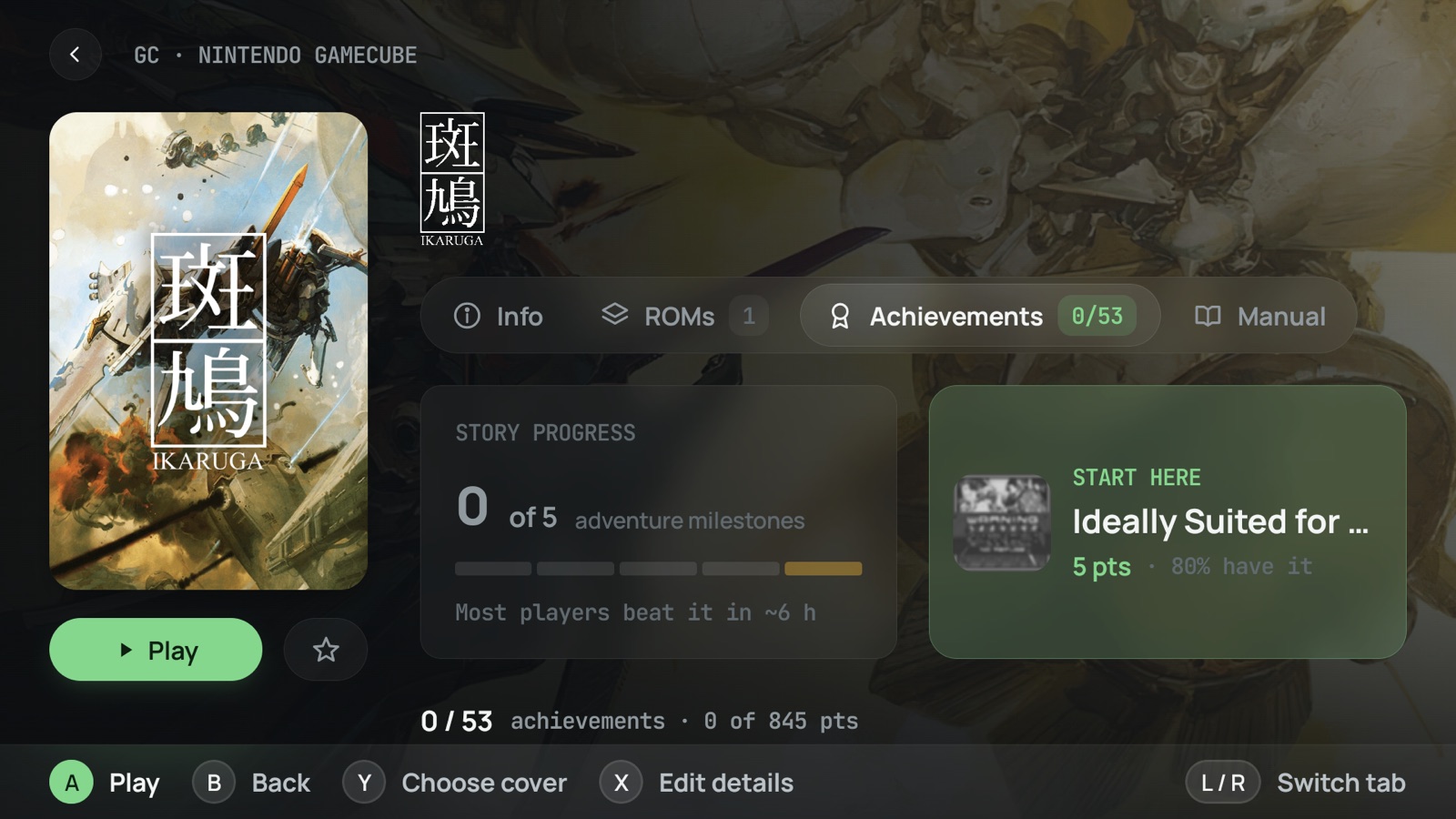
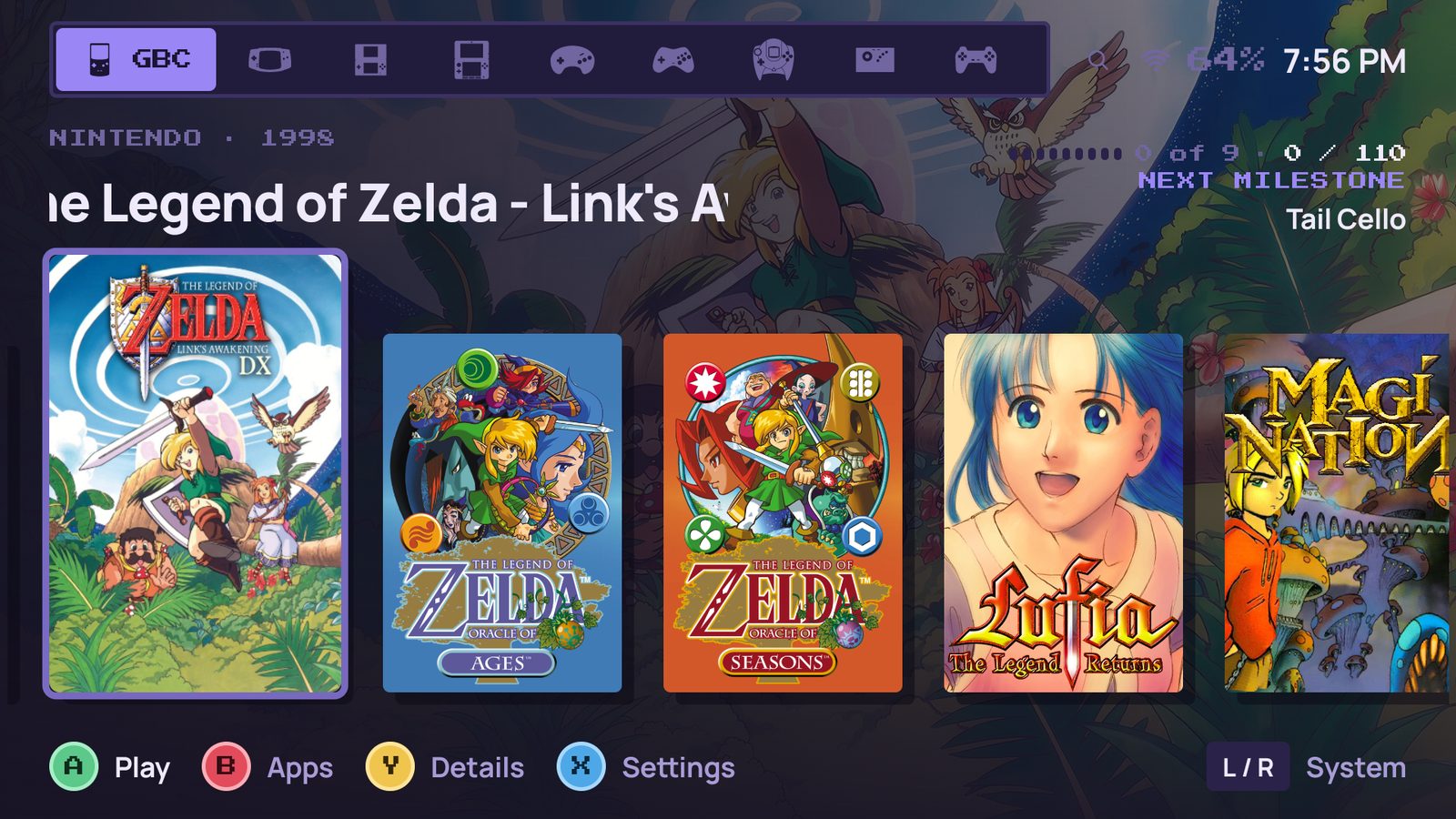
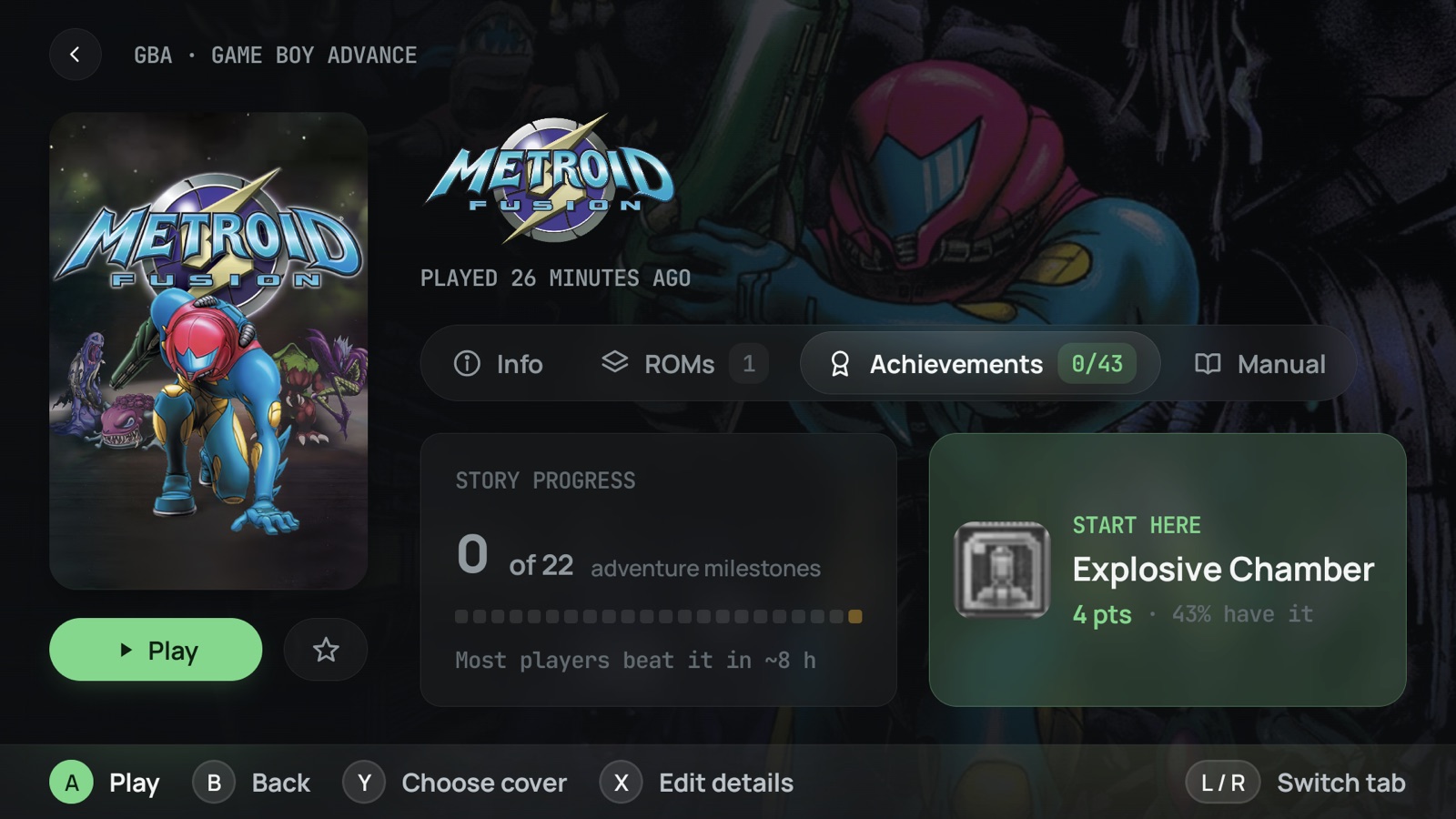
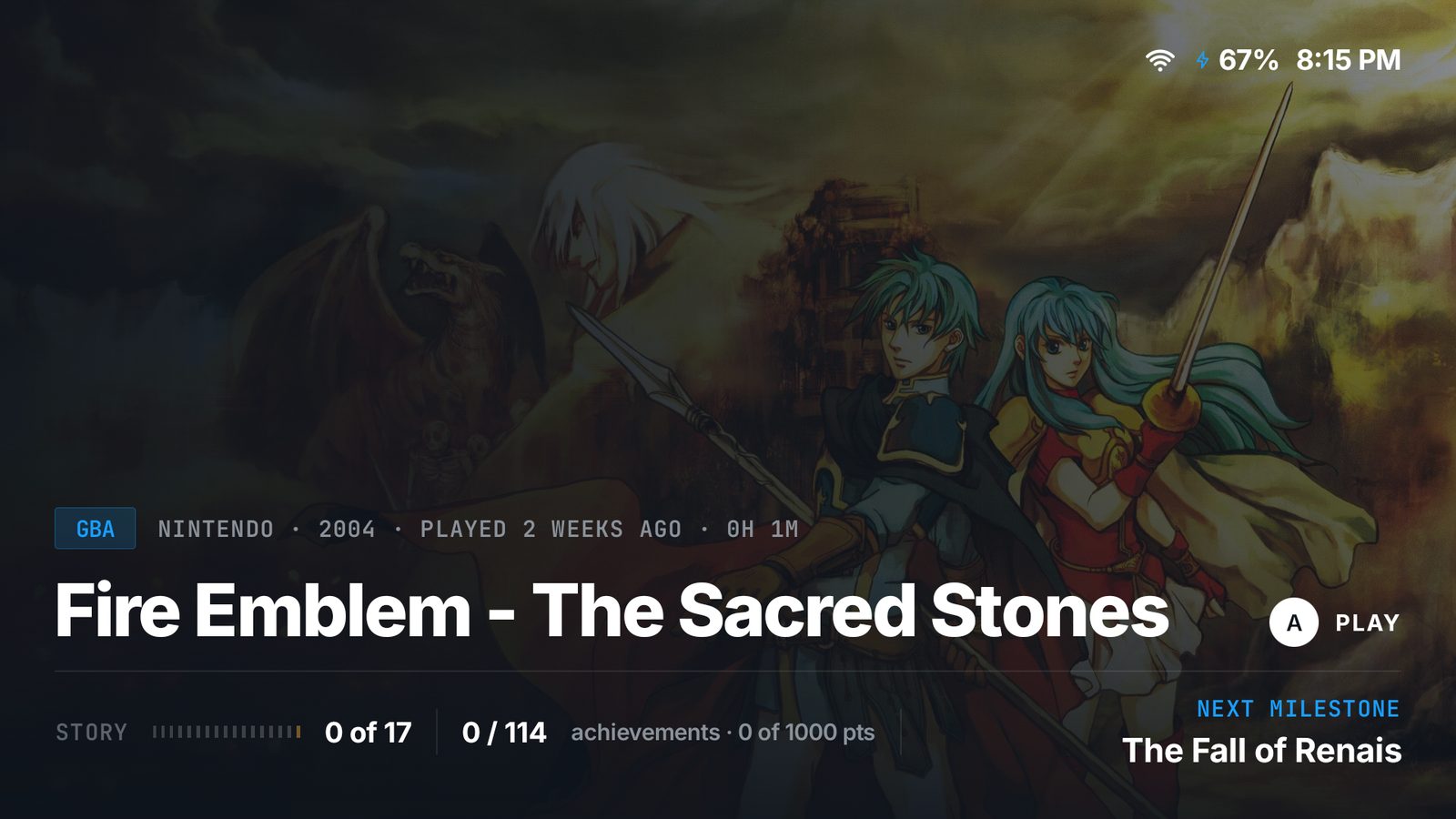
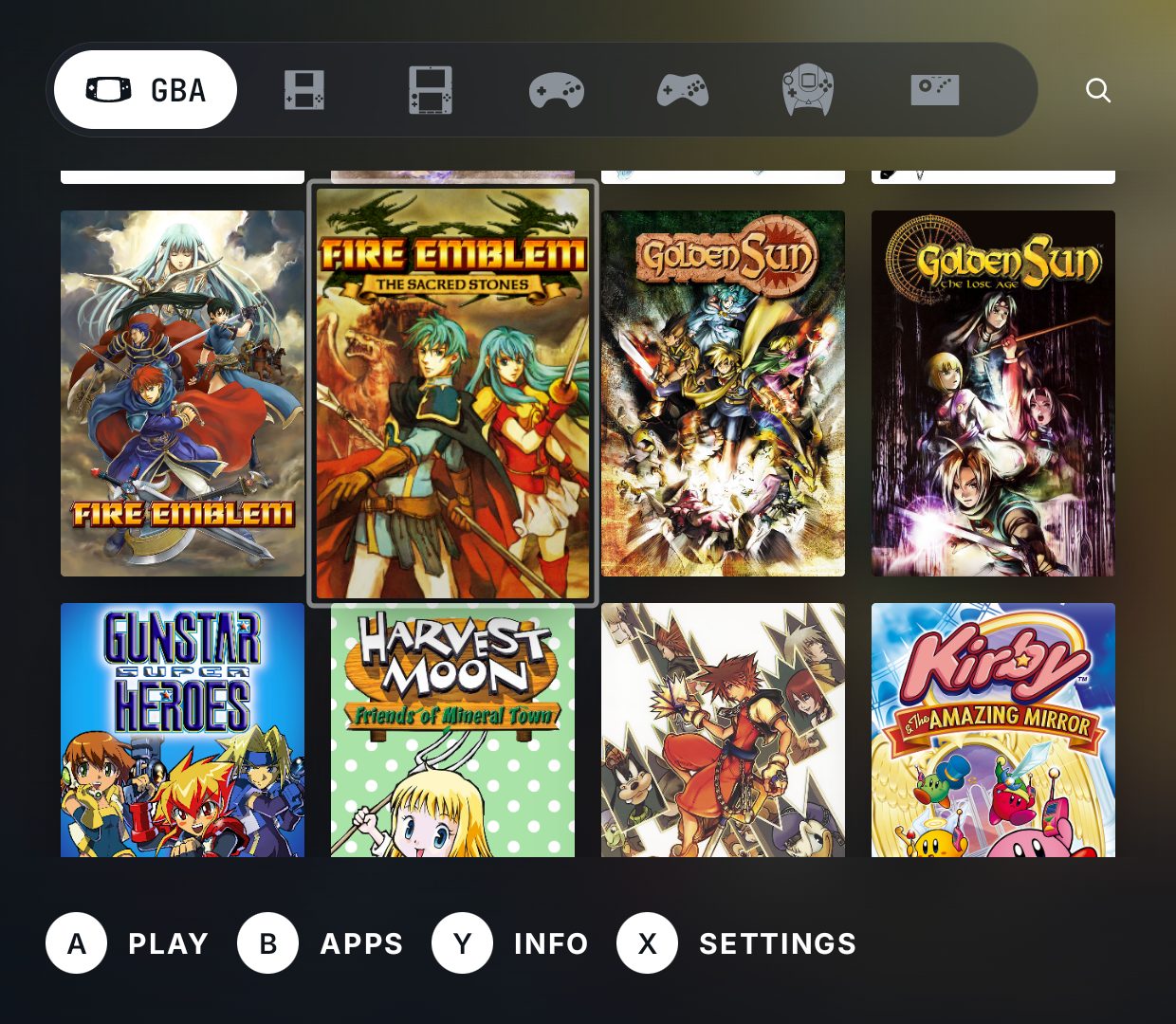
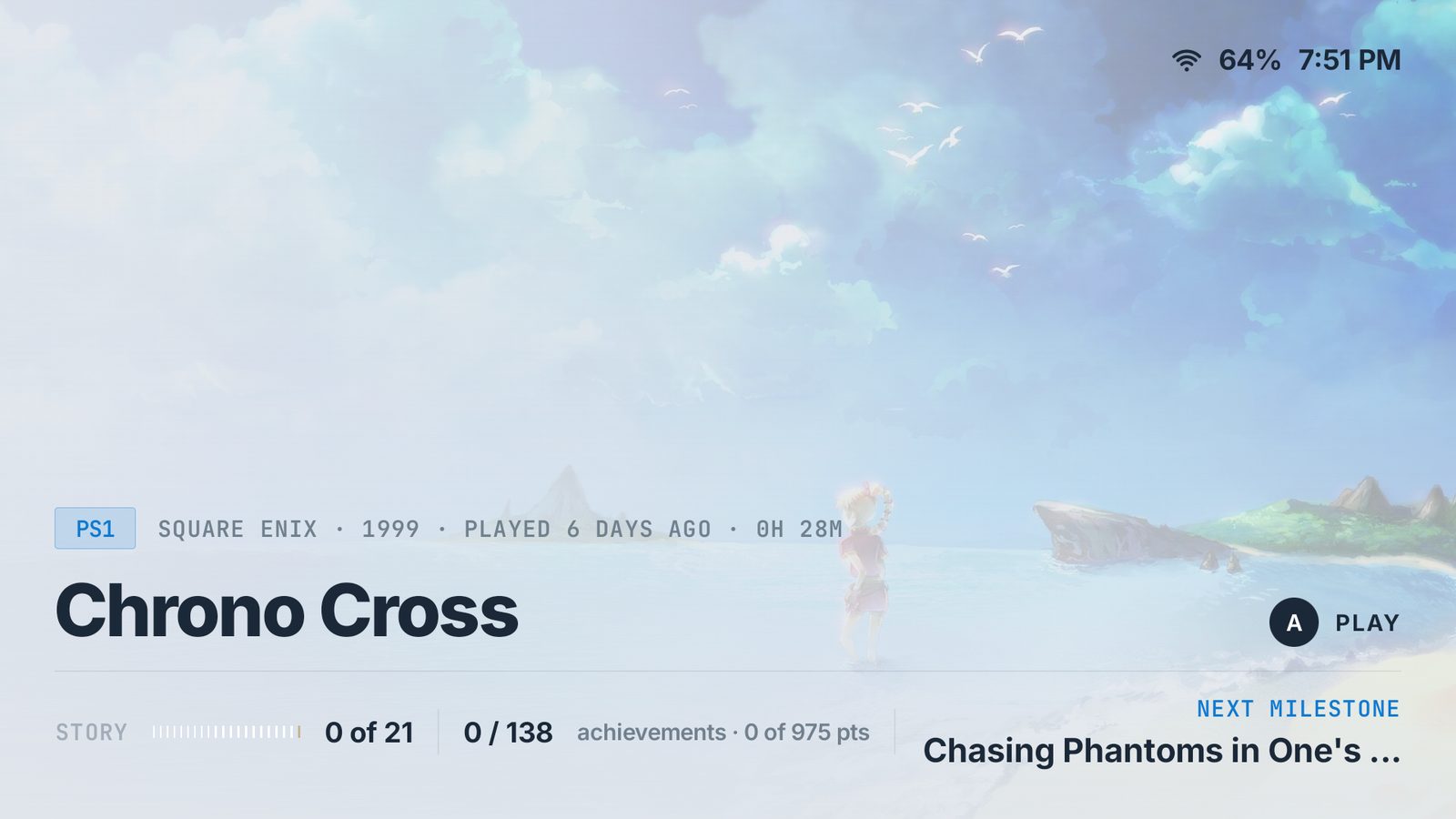
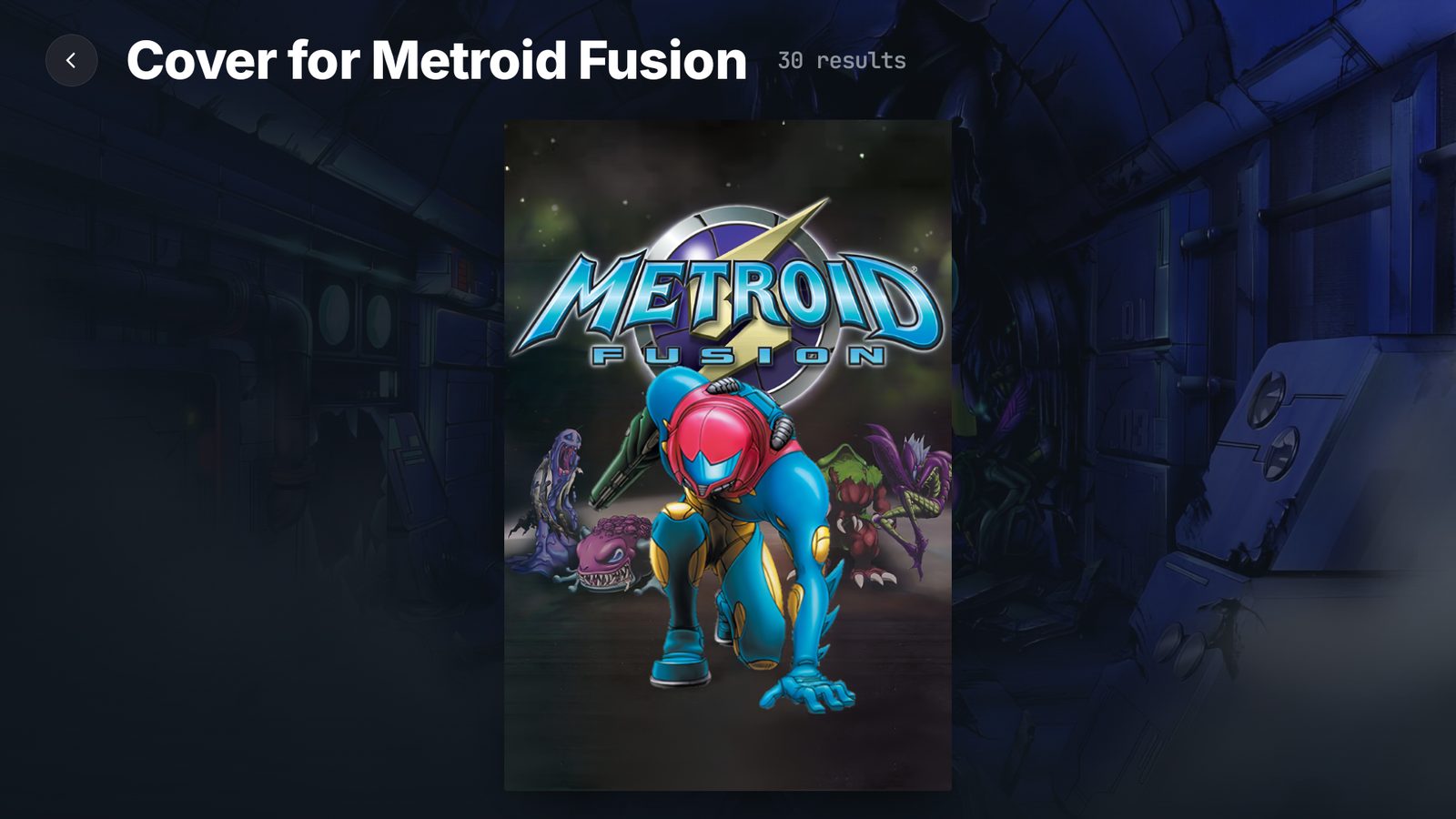
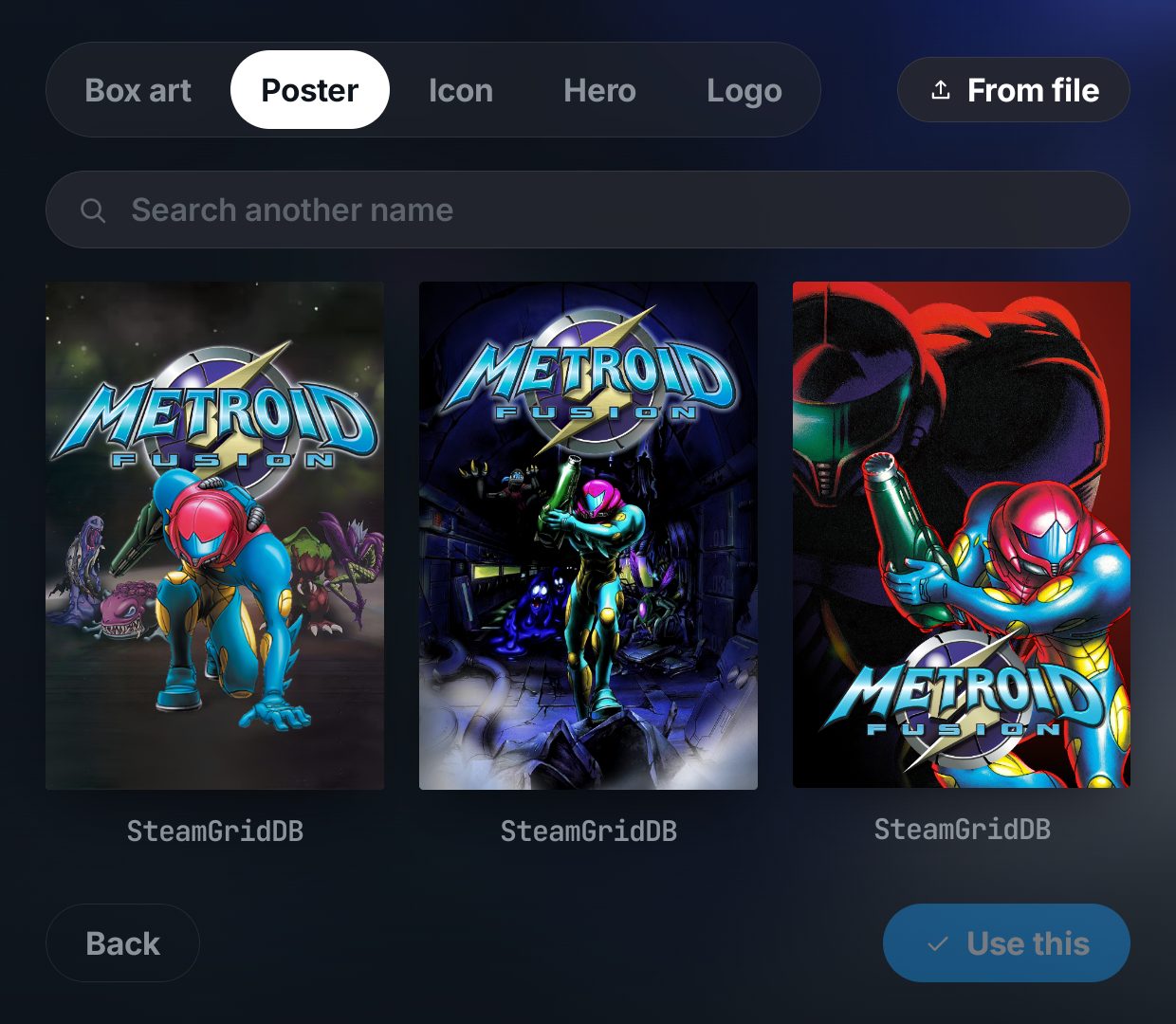
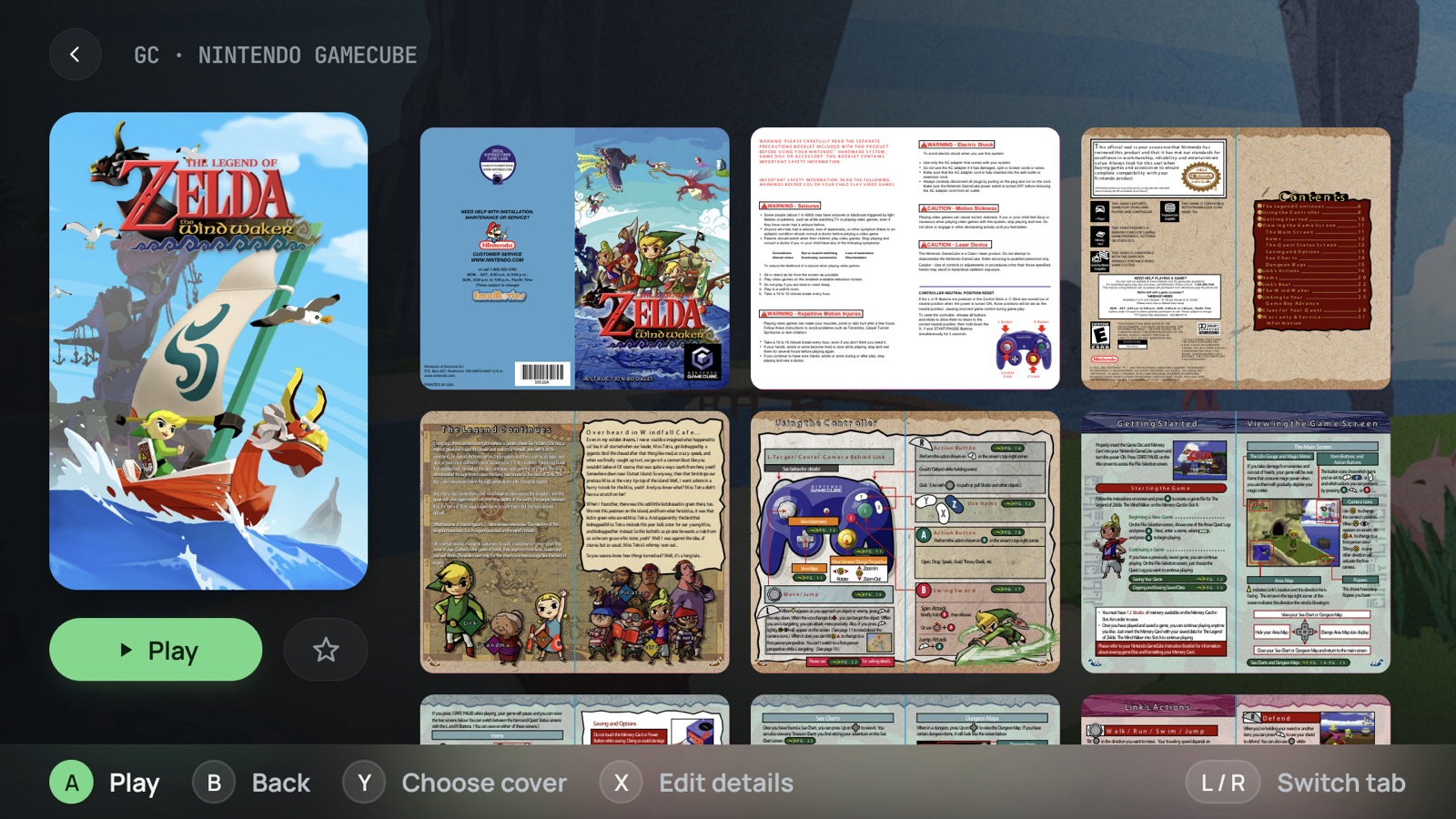
Several sources at once — libretro thumbnails, PlayMatch, TheGamesDB, IGDB, ScreenScraper and SteamGridDB — plus any images you already keep next to your games. Blip weighs the answers and takes the best one, so most libraries come out right the first time. Every source that needs no account is used by default; your own free ScreenScraper or SteamGridDB key only makes it better. Anything it gets wrong you replace from the game screen.
Which handhelds does it run on?+
Any Android 12 device or newer, whatever the shell: the AYN Odin and Thor line, the Retroid Pocket line, AYANEO and Anbernic Android handhelds, and phones or tablets with a controller attached. No root, no custom firmware, no special hardware — and it can be set as the home app so the shelf is the first thing the device shows. It is built and tested on the AYN Thor and the Retroid Pocket, which are the two we can vouch for on every release.
What does it do on a dual-screen handheld?+
It splits every screen by function and repeats nothing: the game you are looking at fills the top panel, the library sits under your thumb on the bottom one. Behind a running game the lower panel becomes the game companion — session time, brightness and volume, and an app drawer that opens onto the panel so the game above is never covered.
Does it work without internet?+
Scanning, browsing and launching all happen on the device. A connection is only needed to fetch box art and game details, and for the services you choose to connect — RetroAchievements and your own RomM server — all of which catch up on their own whenever you have one.
What does it cost?+
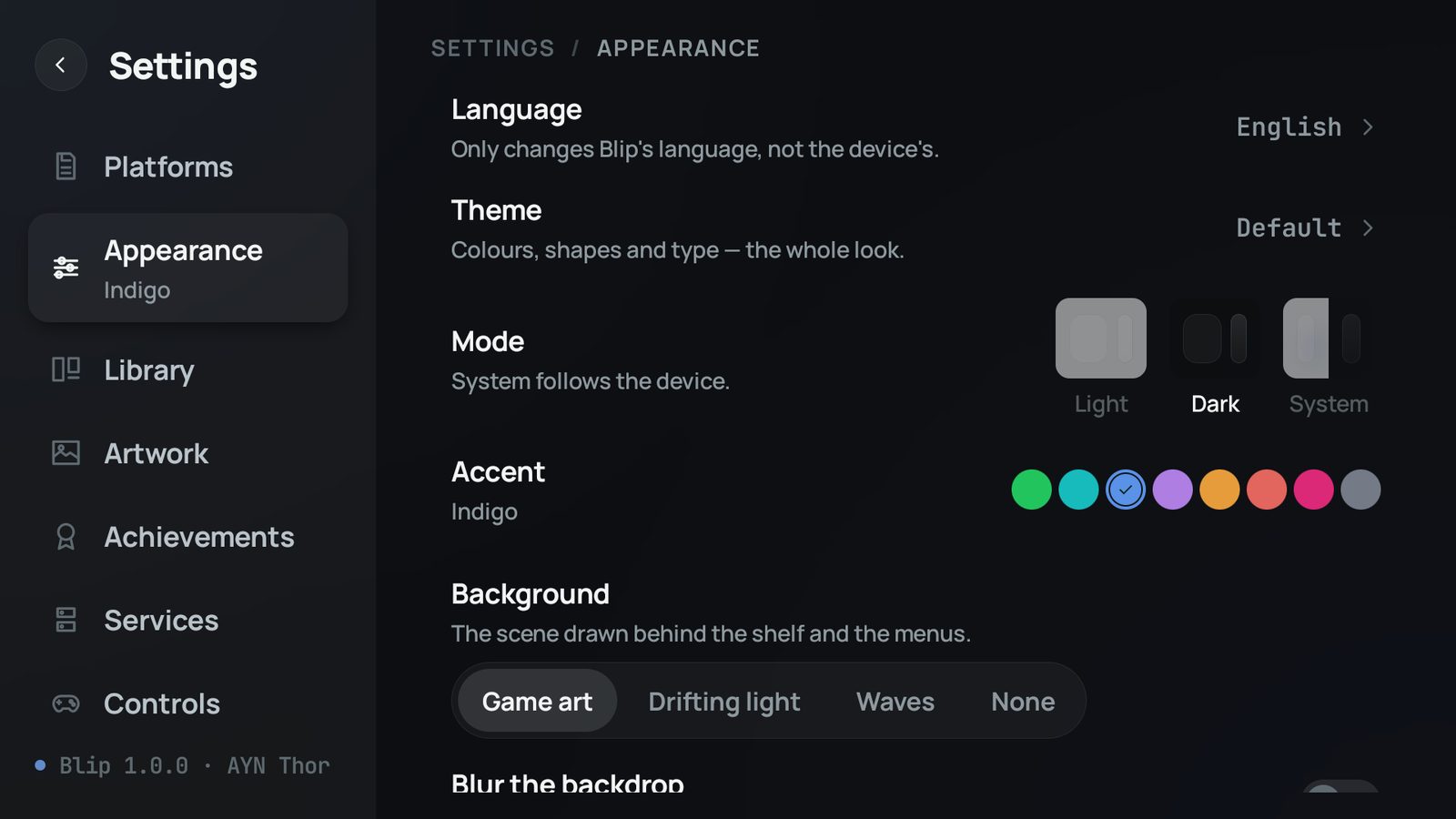
The app is free and carries no ads. Everything the launcher itself does — the shelf, the artwork, every theme, the second screen — is free. One purchase, once, unlocks the two features that talk to a service on your behalf: RetroAchievements and RomM.
Found a bug, or want something added?+
The Discord server is where that happens. It is where releases are announced, where what is being built next gets argued over, and where a bug report reaches the person writing the code without a form in between.